Hello There!
Its time to talk some news!
Store Changes
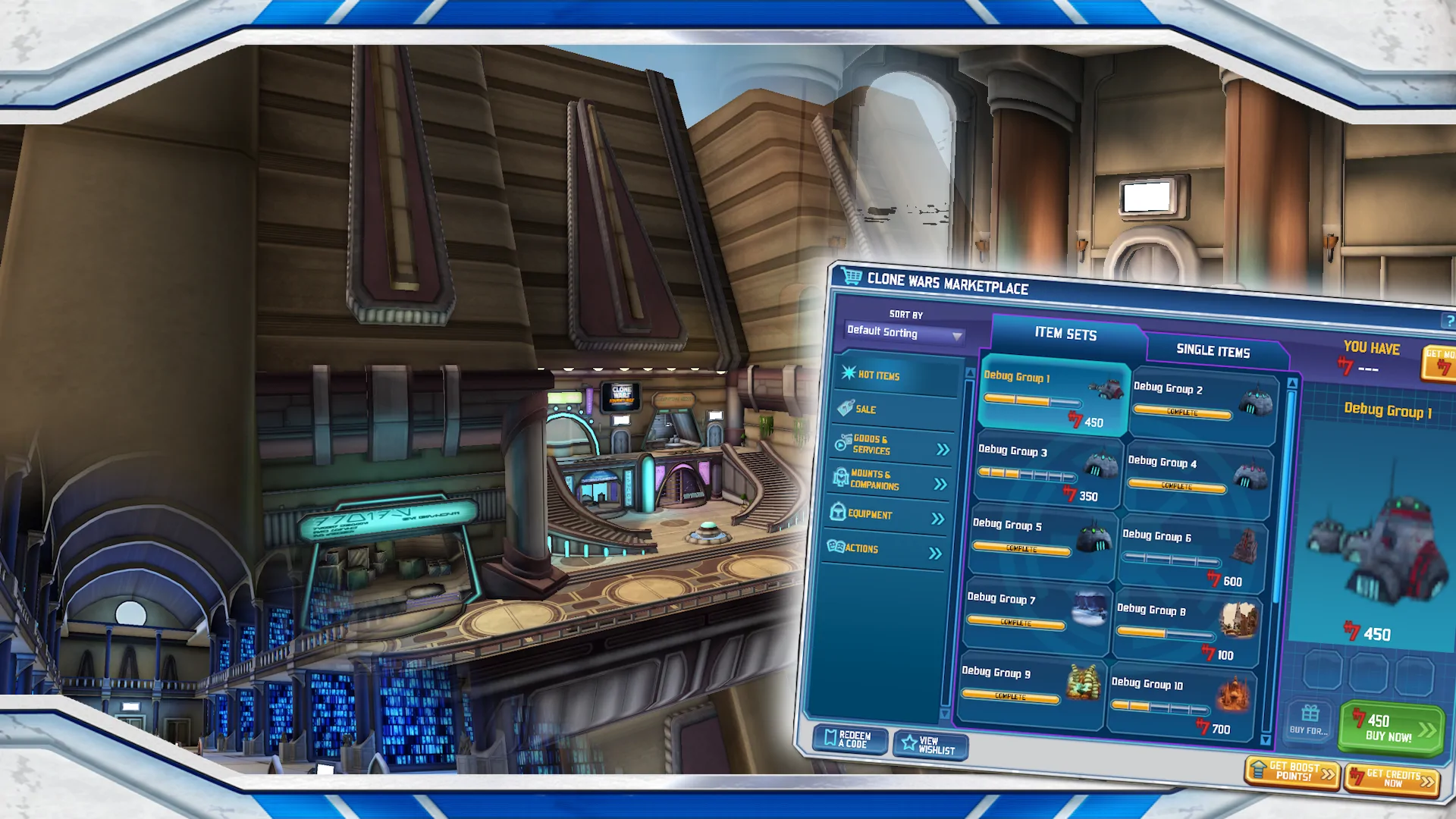
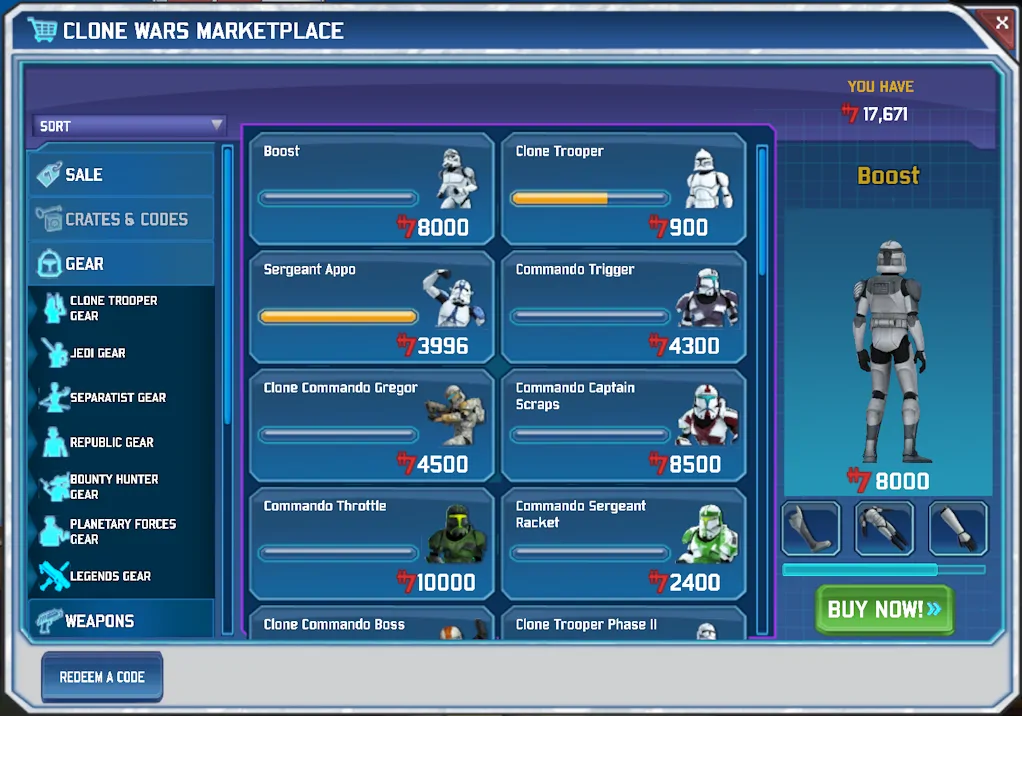
We recently finished our first pass implementation of the Store and wanted to talk through some of the changes we will be intentionally making. A quick disclaimer: the terms "Store", "purchase", "buy", and similar will be used in following paragraphs and in game, however their usage does not, and will not, correlate to or imply the existence of any transaction that includes real-world currency. CWAEmu, as a project, will not have any interactions with real world currency.
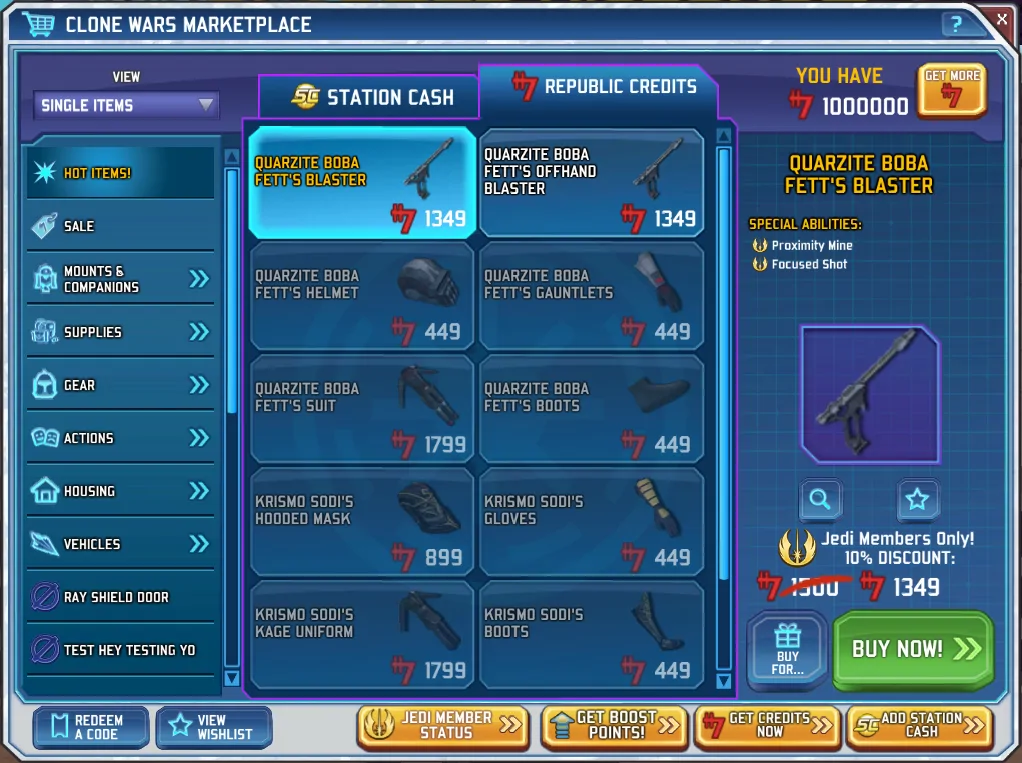
As likely evident by the previous disclaimer, we will be completely removing all references to Station Cash and the Jedi Membership. Items in the store will now only be purchaseable with Republic Credits, which are obtainable via Mini Games and other in-game means. Items that were previously available in the Station Cash store will instead be obtainable via the Republic Credits store, Crates, Crafting, or other potential sources to be decided in the future. Note that in the Alpha version of the game, some items that are not planned to be in the store may appear in the store to facilitate testing and debugging of said items by the Alpha Testers.
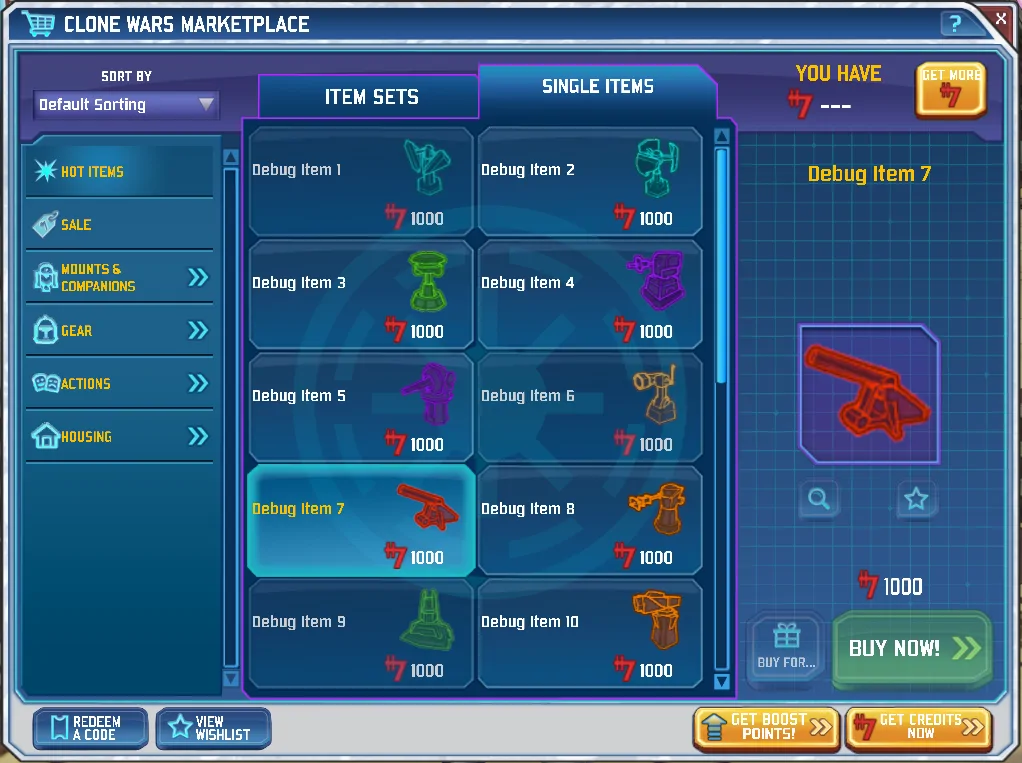
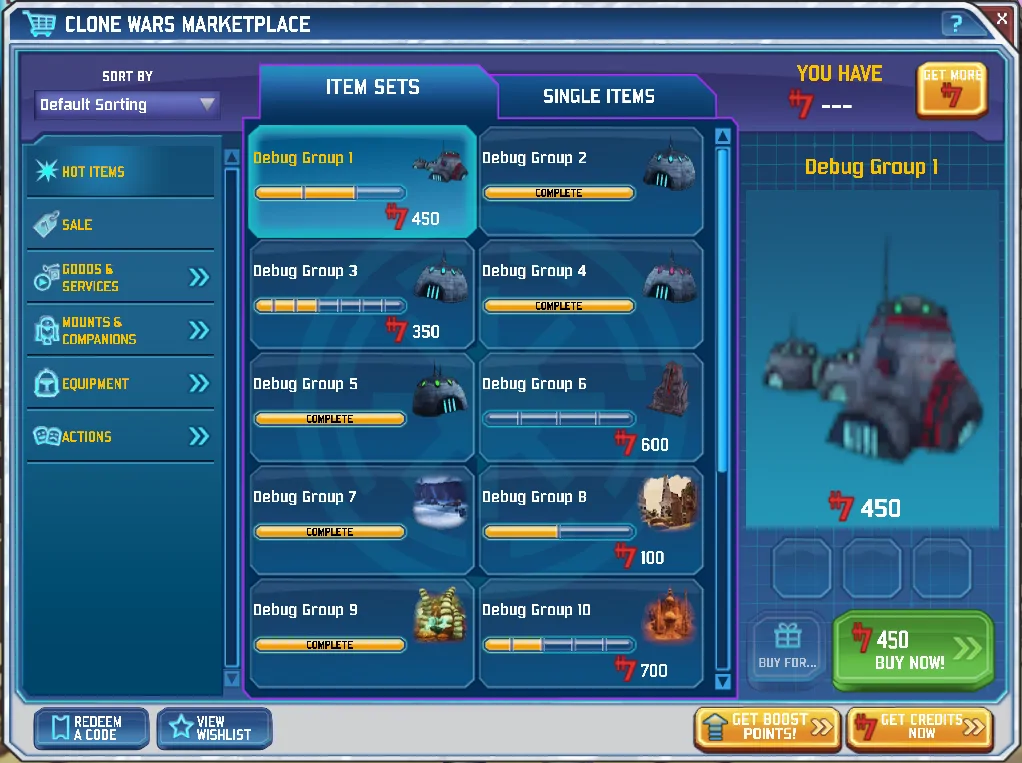
Those of you familiar with the design of the store may be wondering what will happen to the two tabs at the top that handled the currency split. We have decided to make those tabs the way to select between viewing Item Sets, or viewing Single Items. This selection was previously handled by a drop down in the top right, which we will be repurposing to be a sorting option selection, similar to the design in the current Alpha. Further, the Jedi Membership discount will be removed, though the components to display that discount may be utilized later for sales.
Below is a side-by-side comparison of the CWAEmu store (left), and the Clone Wars Adventures store (right) as seen when running on oxide.
Another image of the CWAEmu store when viewing Item Sets.
And finally a comparison between the new CWAEmu store (left), and the version of the store currently in the Alpha (right).
Graphics
By Jam
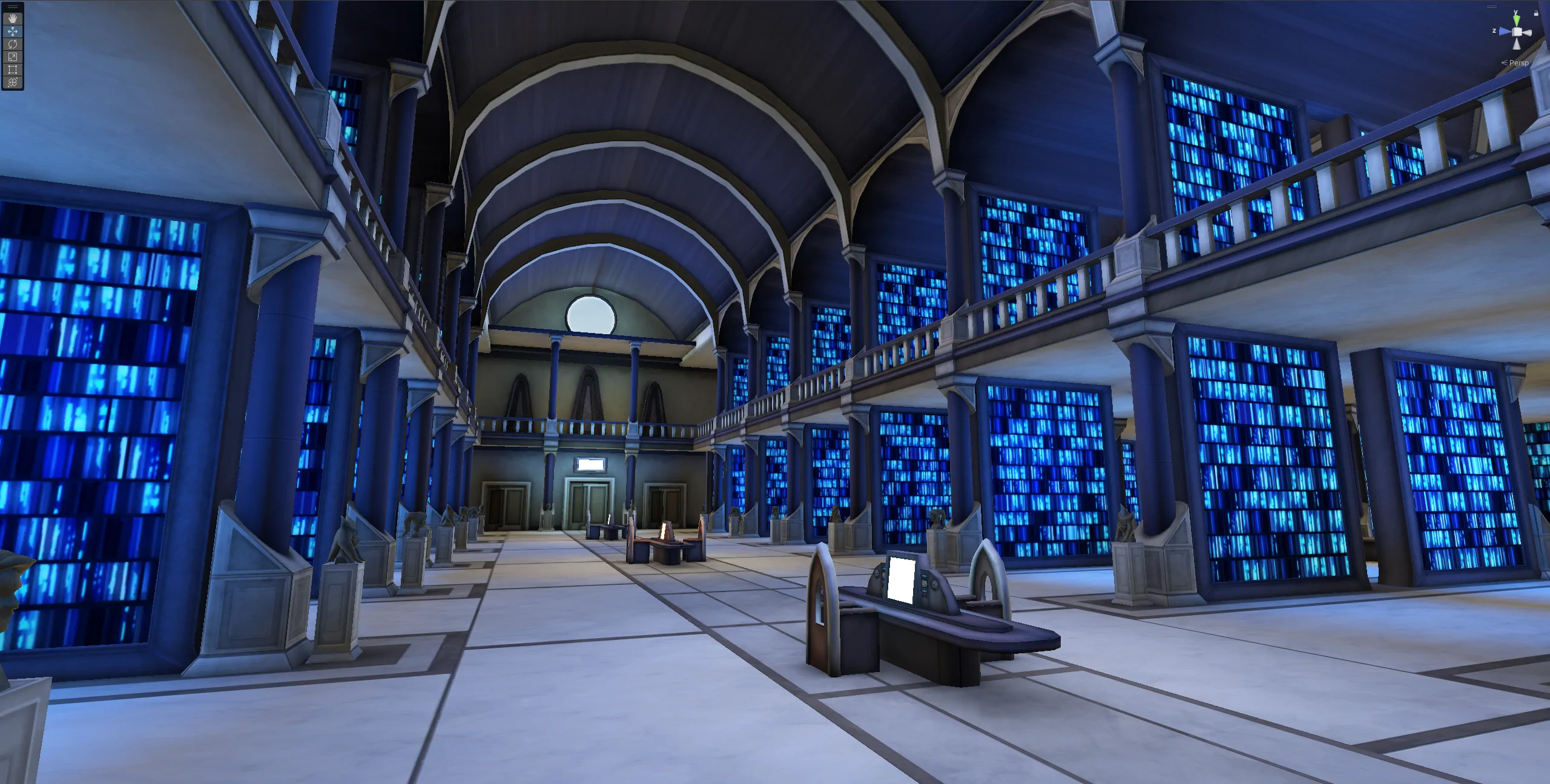
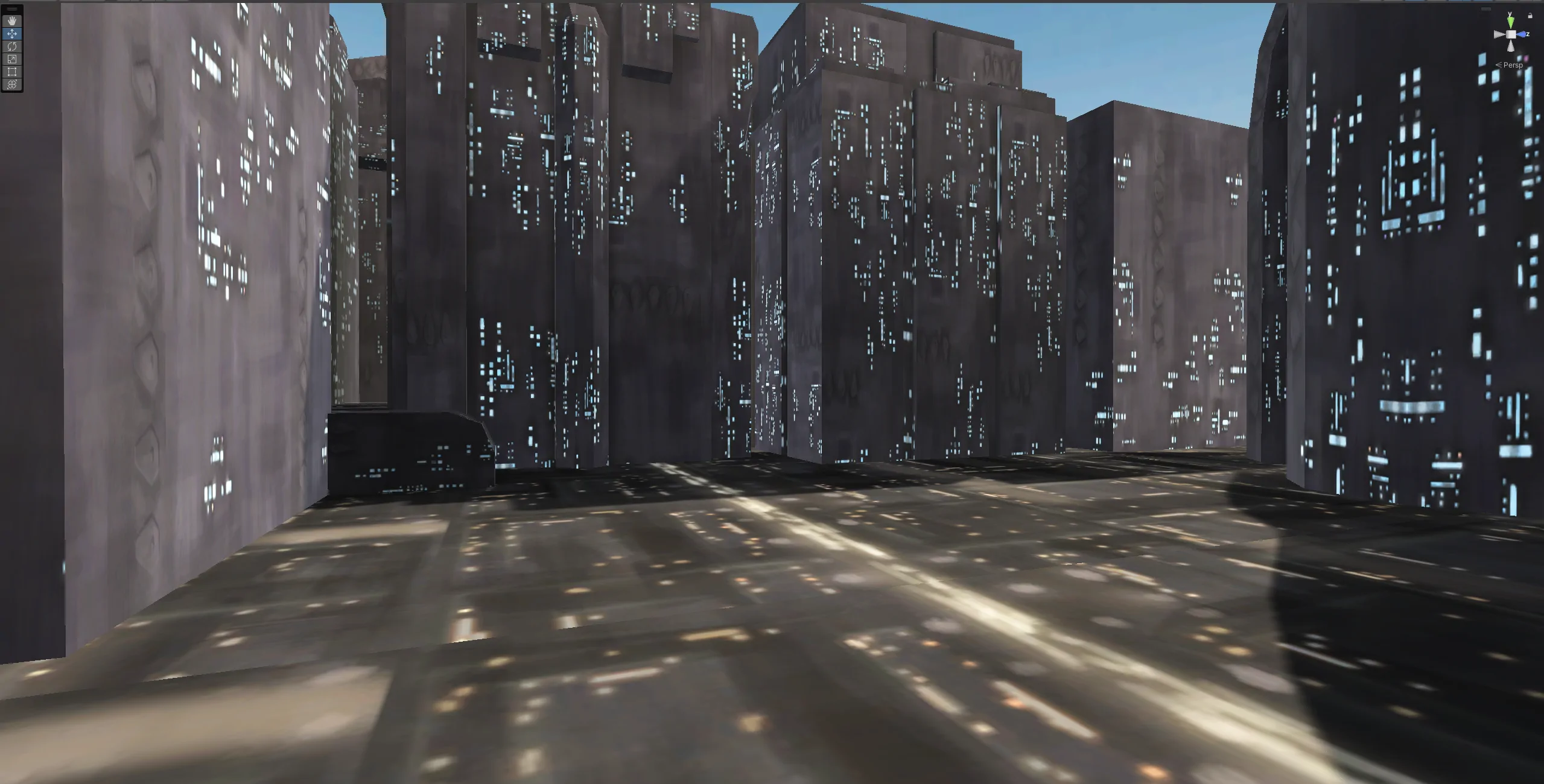
We have made significant progress in rebuilding ForgeLight's graphics pipeline inside Unity to allow for as accurate as possible visuals.
This is an essential step to move forward, as without this, some considerable backtracking may be required to ensure everything else we expect the game needs to do will work.
What is a graphics pipeline?
A graphics pipeline is the sequence of steps the computer uses to render an image on the screen, in this case from our 3D world to the final image you see on your screen.
By replicating the steps the original game would have taken, we can create near-identical graphics.
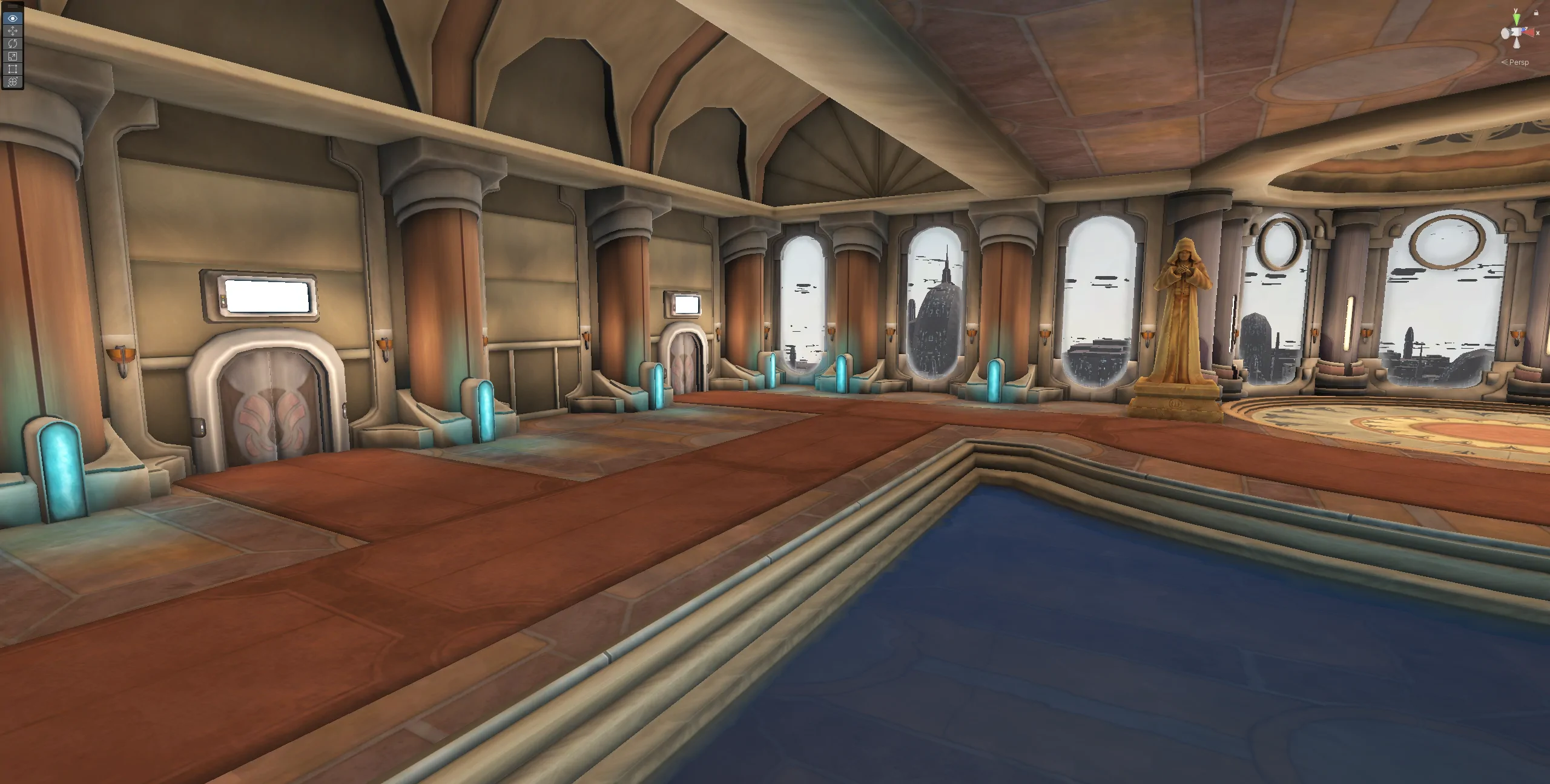
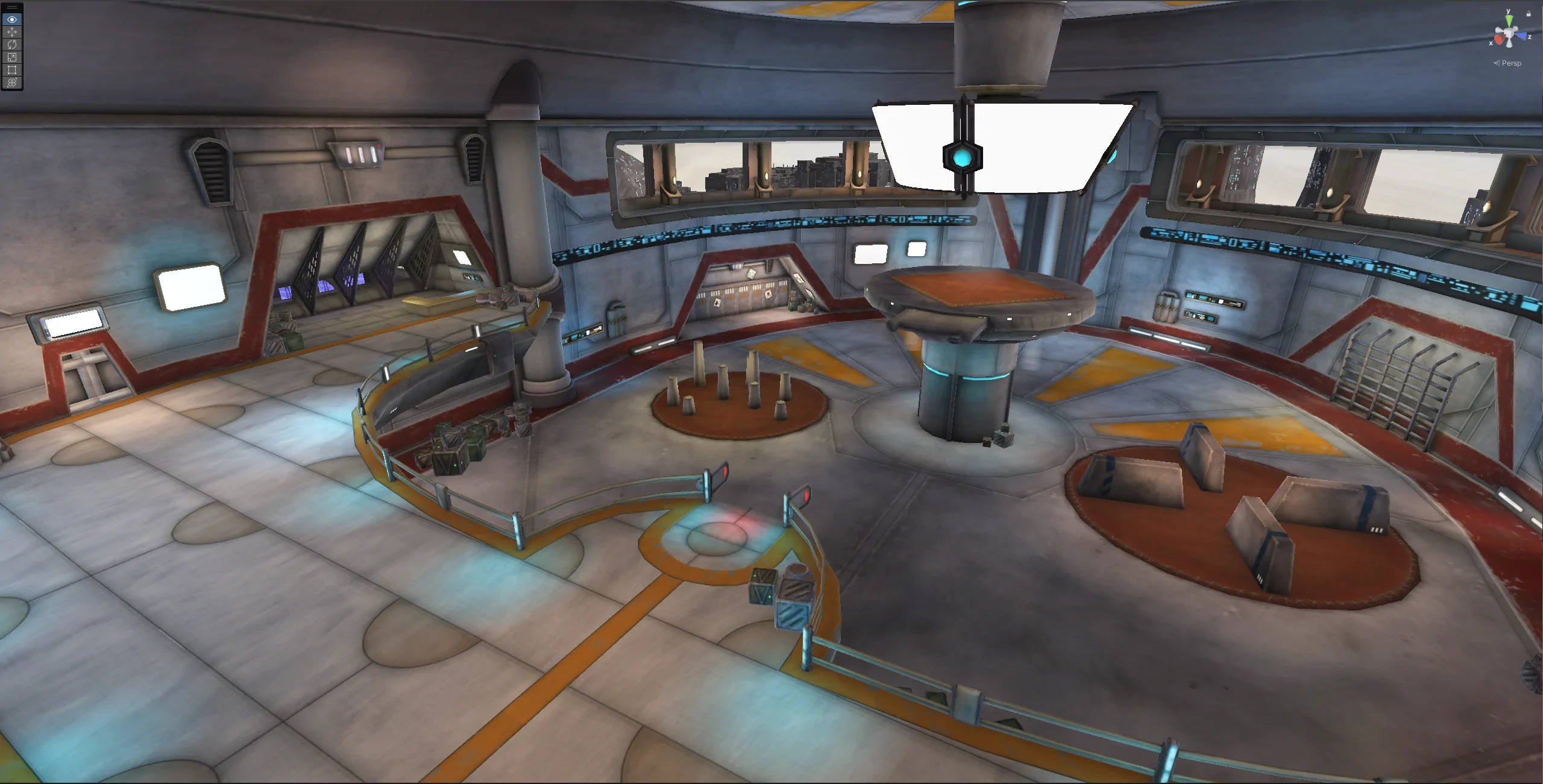
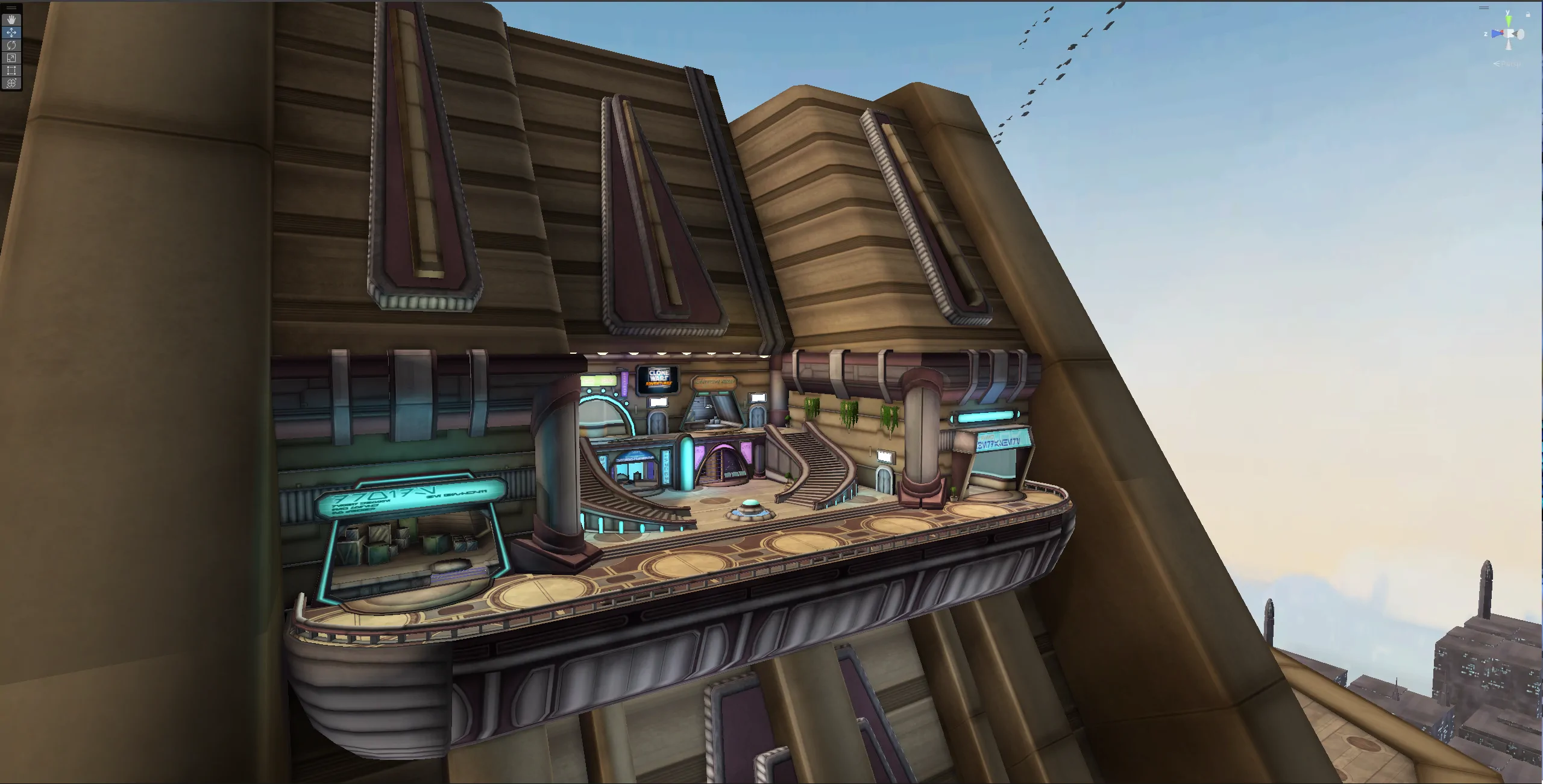
How are we accomplishing this?
The team, primarily architect GameBreaker, has been hard at work analyzing DirectX 9.0, the shader files, the game's executable, and how the original pipeline operated.
We have also used tools like nVIDIA PIX to analyze the original draw calls on the game. In other words, we've looked inside a frame of the game to see all the steps that went into rendering the game.
What is a shader?
A shader is a programmable program that runs on the graphics processing unit (GPU) and controls how 3D shapes, surfaces, and colors are rendered on the screen.
Leveraging the shaders allows us to pull off cool effects, as well as ensure things are shaded like they would have been in the original. We do have the freedom to make changes as desired, as well.
Keep in mind that everything being showcased is work in progress and the final result will look different.
Here are some examples of cool effects we can pull off:
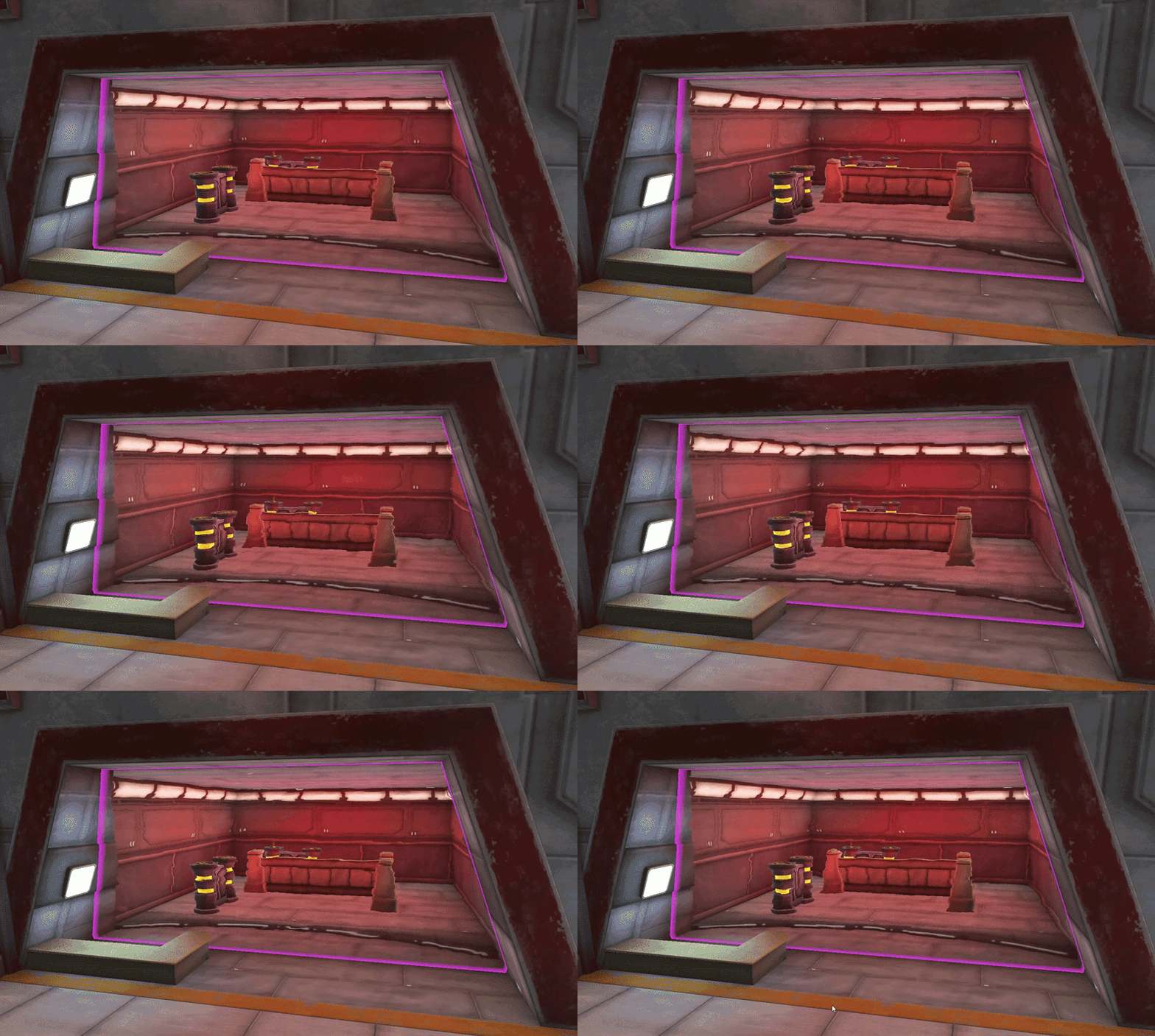
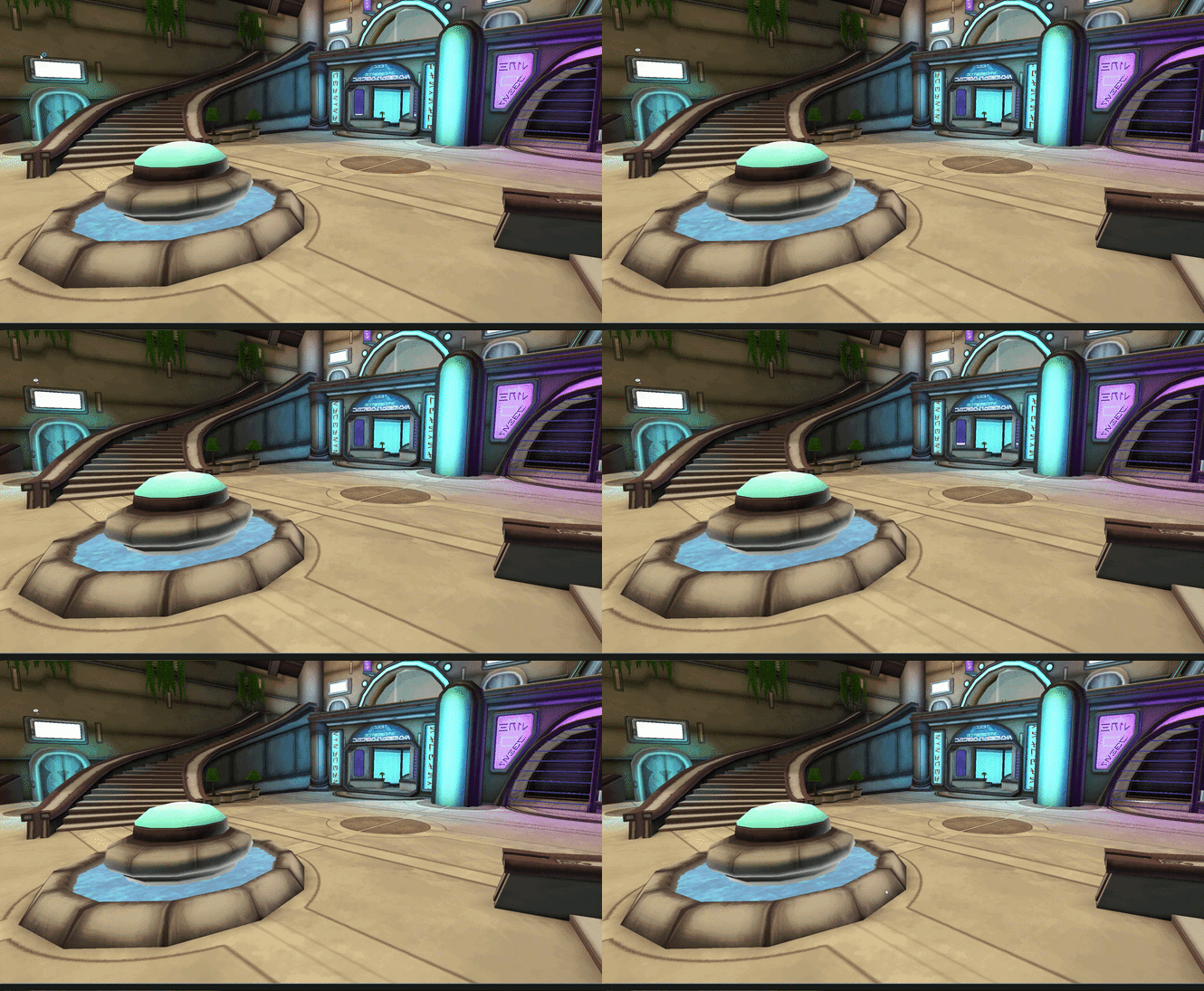
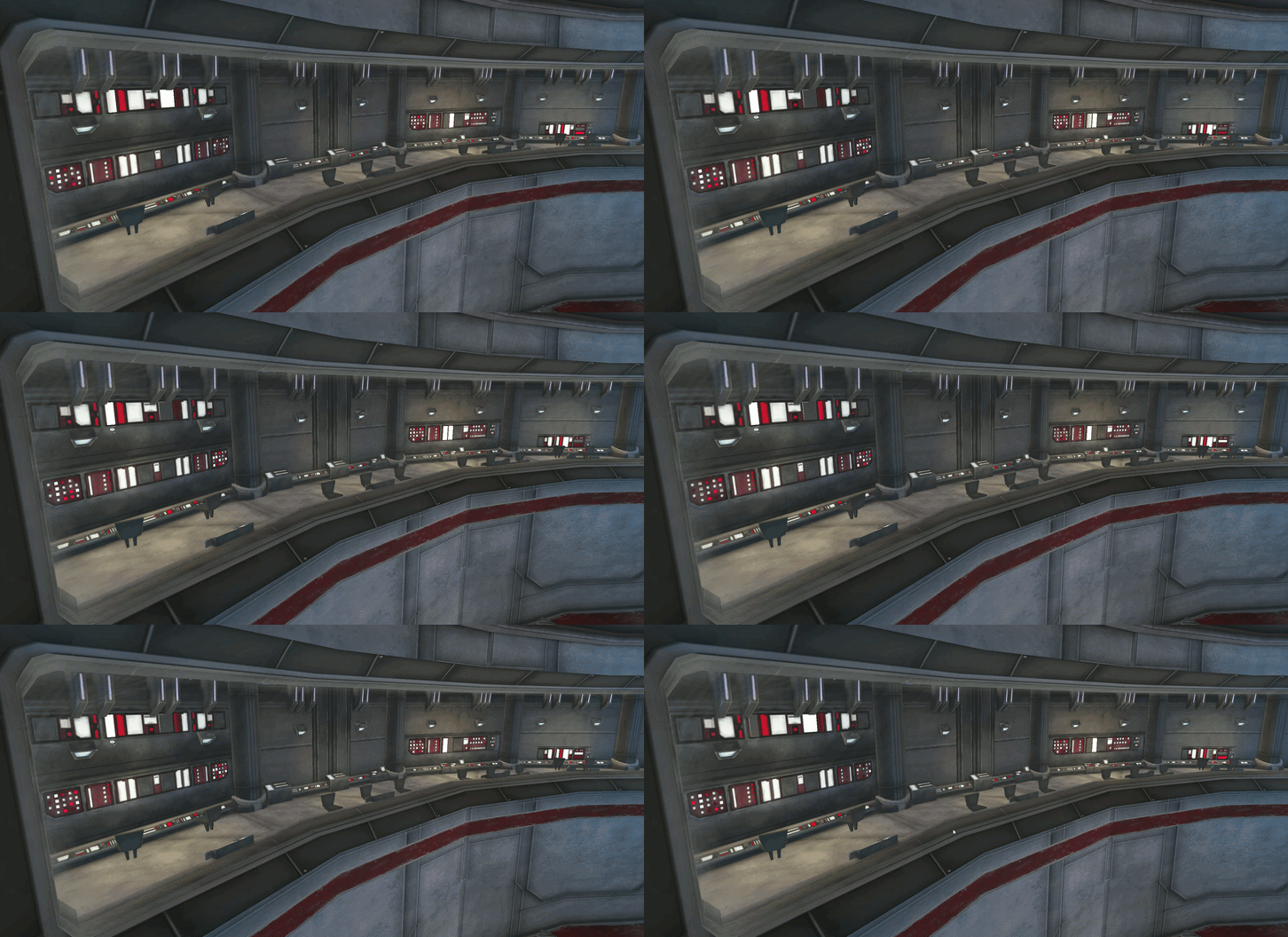
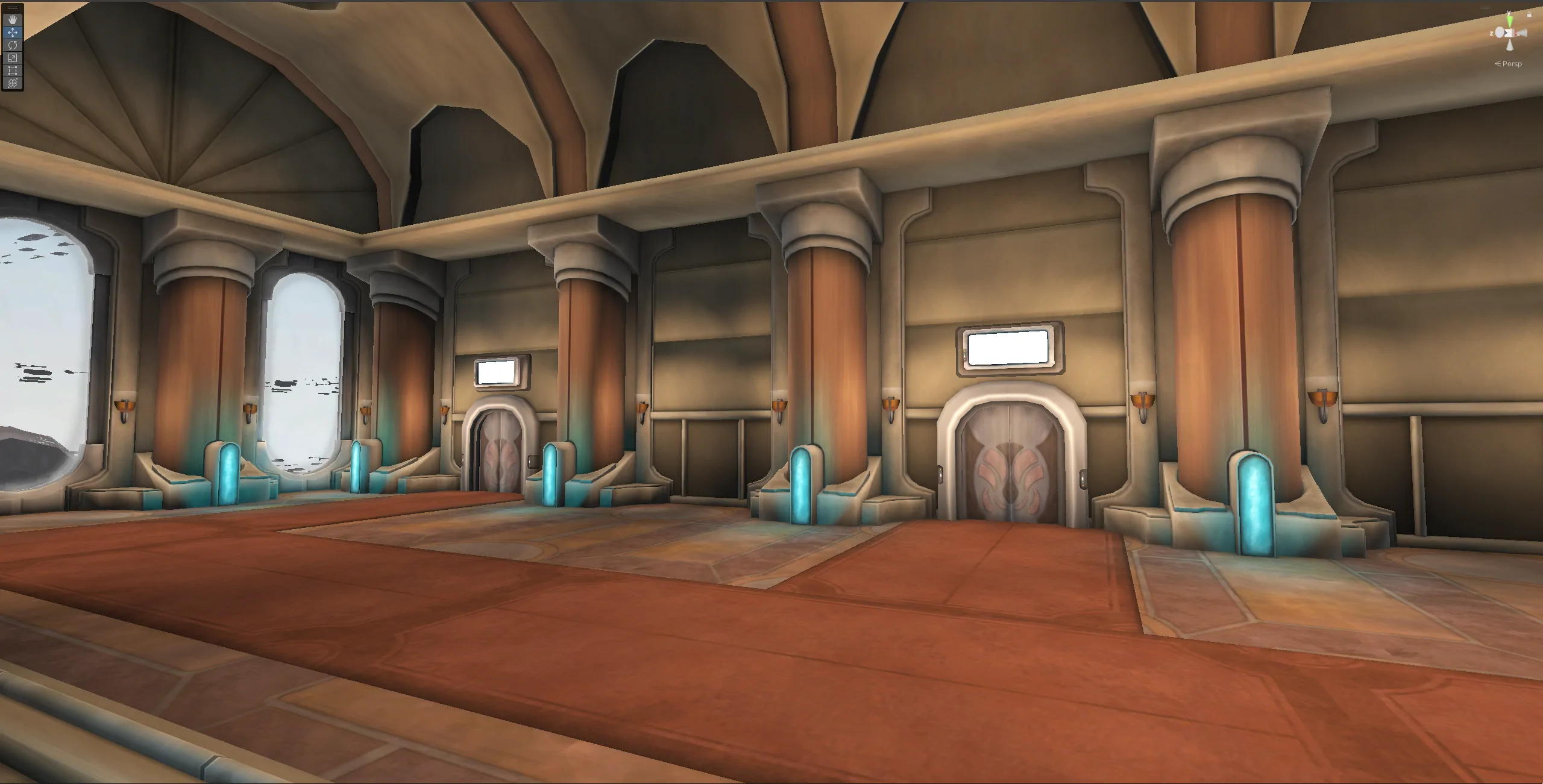
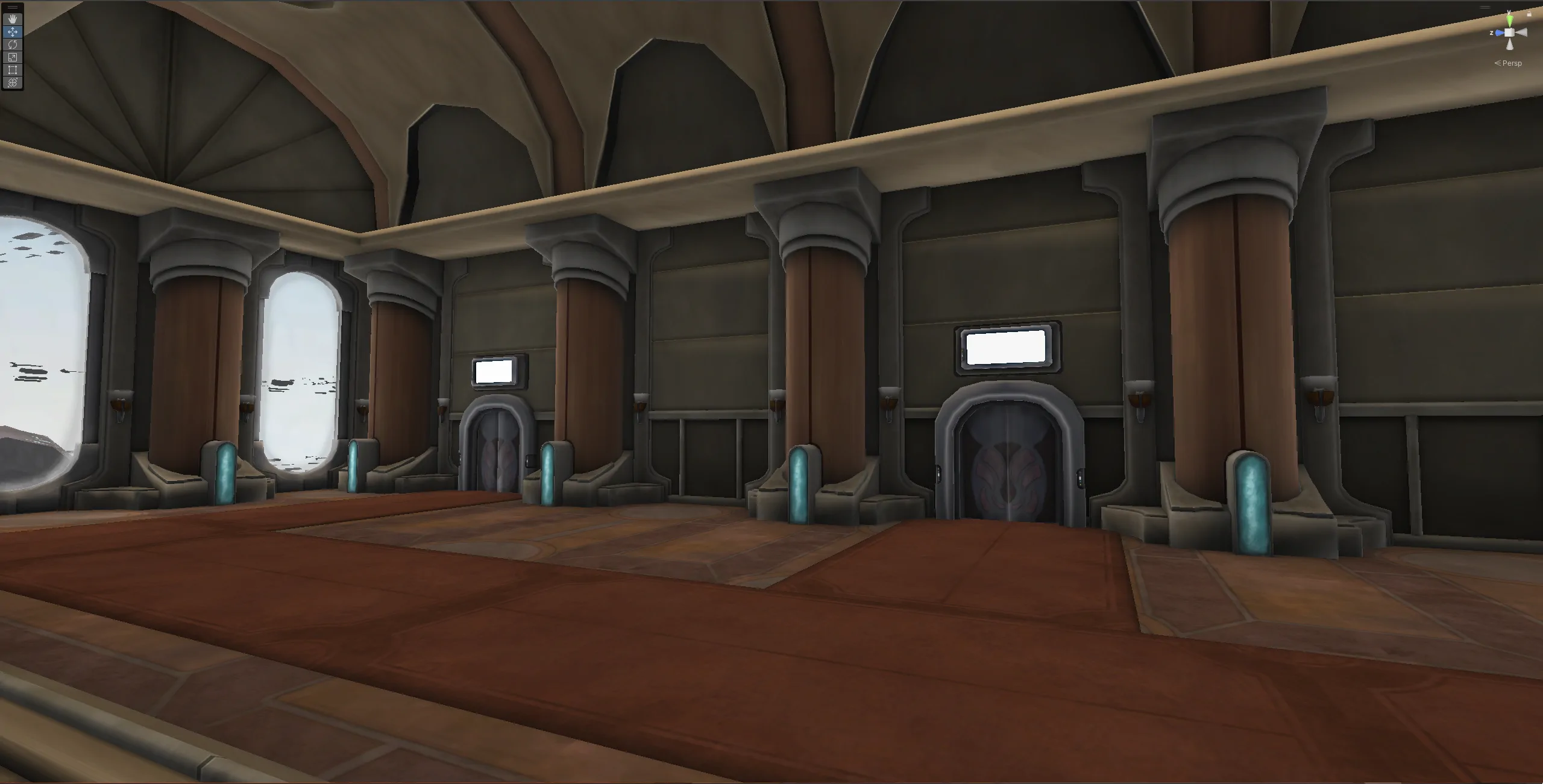
Some examples of how lighting changes the environment:
Lights Enabled
Lights Disabled
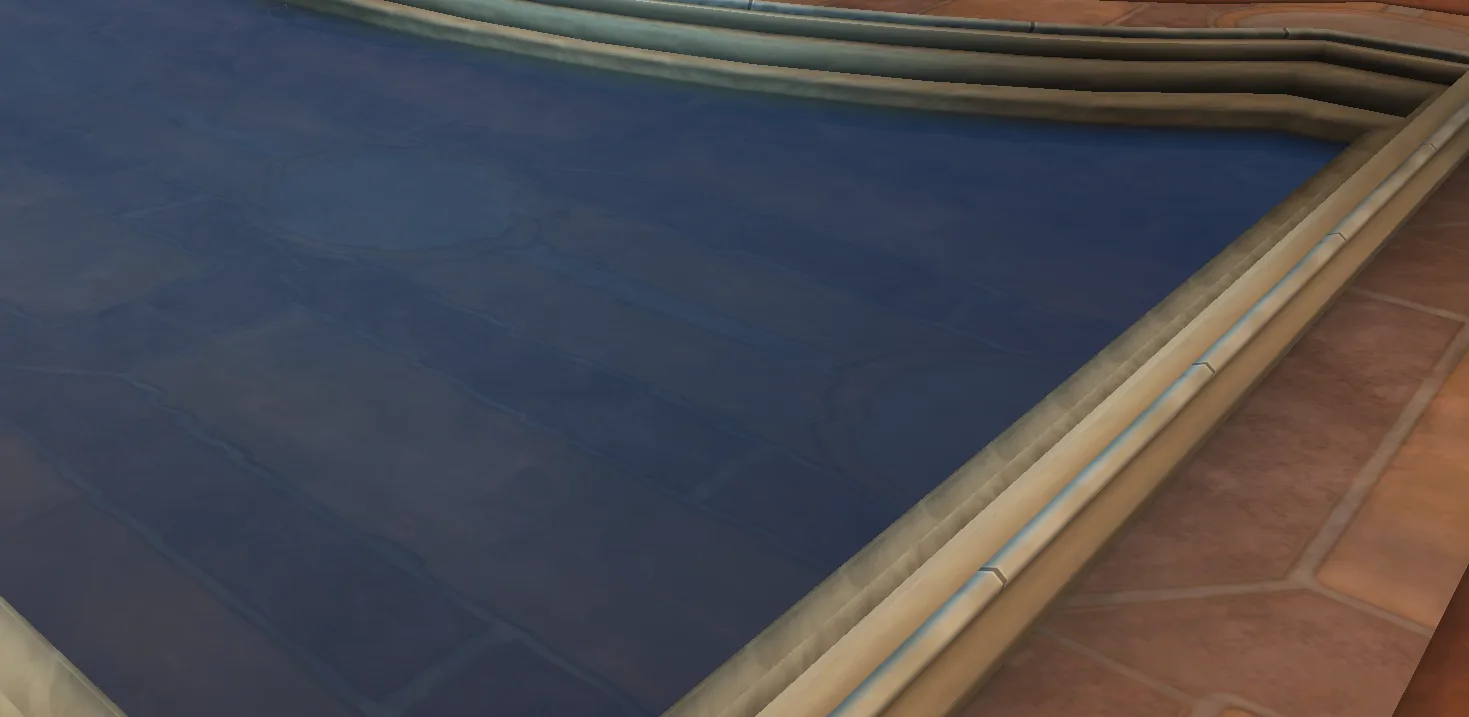
How a character looks, shaded:
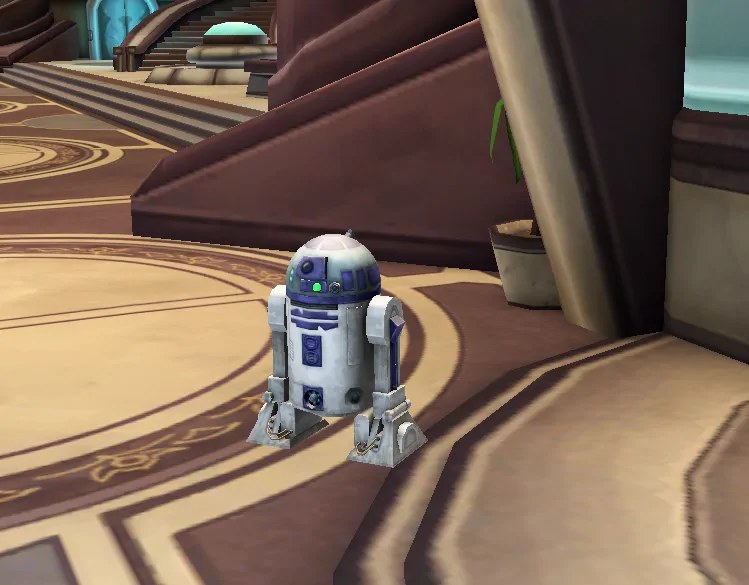
Note: there is no fake shadow on characters yet.
What's still left to do?
There are a few areas that are still giving us trouble.
- The Sky.
By Wald
Theoretically, a sky box is a simple thing to render, but given engine differences, getting this right has been quite the frustrating task. Because the sky can change depending on where you are and what the in game time is, the system needs to be dynamic. Unfortunately, this means some of Unity's nicer sky features are out of our reach. Another odd ForgeLight quirk is when and how it chooses to actually render the sky, with it being a seperate render target that the main game gets overlayed on top of. While that exact setup is quite possible in Unity, the quirks that come with the lack of information from that choice make getting it right not simple.
- Fog.
The fog is part of the post processing section of the renderer, which is necessary for things like water, shadowed objects, and other final touches. Currently fog isn't rendering, and that is a problem since it's used to help faciliate the short render distance.
- Ambient Lighting.
The ambient lighting works, but due to engine differences that I'll get to in a moment, they don't render in the correct areas. They also introduce some weird artifacting in the form of lines on the environment.
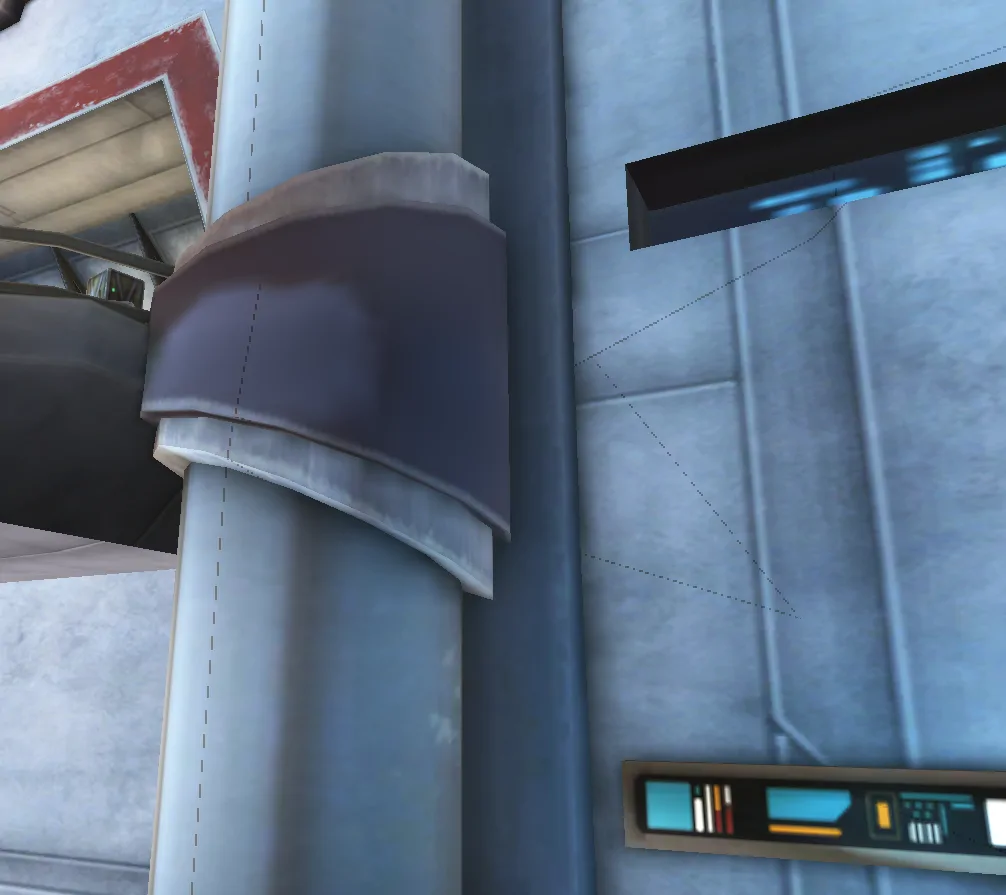
- Various conversion oddities.
Previously, we temporarily chose to invert the Z axis to facilitate rendering objects from ForgeLight Toolkit. This has introduced lots of problems now that we've moved to our custom renderer, so we will be fixing this issue and others like it. More details in the next section.
ForgeLight Toolkit Updates
In order to finish our work, and to meet our year end goals, we are making some updates to our internal tooling.
We have been hard at work figuring out the structure of many original formats completely, and we will be updating FLTK to handle these, with the result being that all of our data will come from the same source.
We also have to fix some problems with how FLTK creates objects, and in doing so will help us finish the graphics section. Most of these issues stem from internal differences between ForgeLight and Unity and how they render objects.
Year's End Goal
Our current goals to complete by the end of the year are:
- Finish required changes to FLTK in support of unifying our asset management
- Finish the lighting and rendering processes
- Finish The One True Animation Controller and merge the controllers into our asset management pipeline
- Finish integrating the updated particles, even if some specifc types still need some work
- Using the above finished integrations, finish creating the worlds, and setup transitions between the worlds
- Finish all worldspace .swf in worlds (things like screens which used flash)
- Test the performance of the above in standalone builds and create a plan for improvement if anything needs to be addressed
Having all of the above completed by the end of this year will put us in a really good state for some good progress next year. This is not necessarily all we plan to work on for the rest of this year, but these are the current priorities.
That's all from us for now. Share your thoughts in the usual locations in our Discord.